28th April 2025, Gaurav Kumar Singh
Is your internet slow? Does your video keep buffering or your Zoom calls freeze at the worst times?
Don’t worry—you don’t always need to buy a new internet plan. Sometimes, small changes at home can make your Wi-Fi faster and smoother. In this easy guide, you’ll learn 12 beginner-friendly ways to improve your internet speed without spending too much.
1. Move Your Wi-Fi Router
If your Wi-Fi router is hidden behind furniture or in a corner, it might be slowing down your signal.
Do this instead:
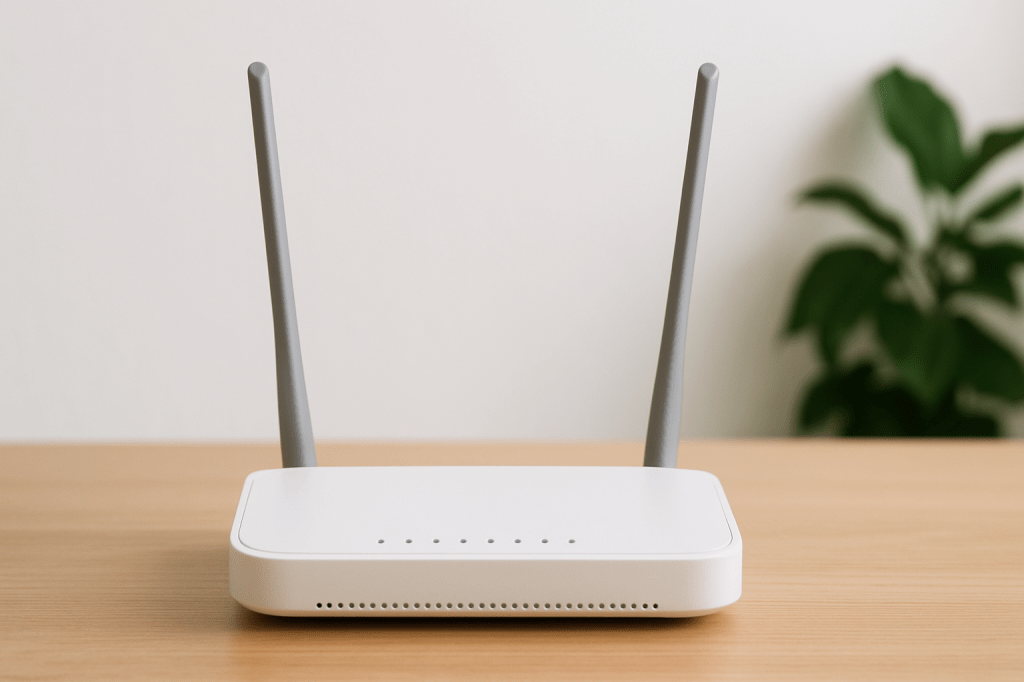
• Place the router in an open and central spot.
• Keep it off the floor and away from walls or metal objects.
• Try to keep it near the devices you use most (like your TV or laptop).
2. Use an Ethernet Cable (Wired Connection)
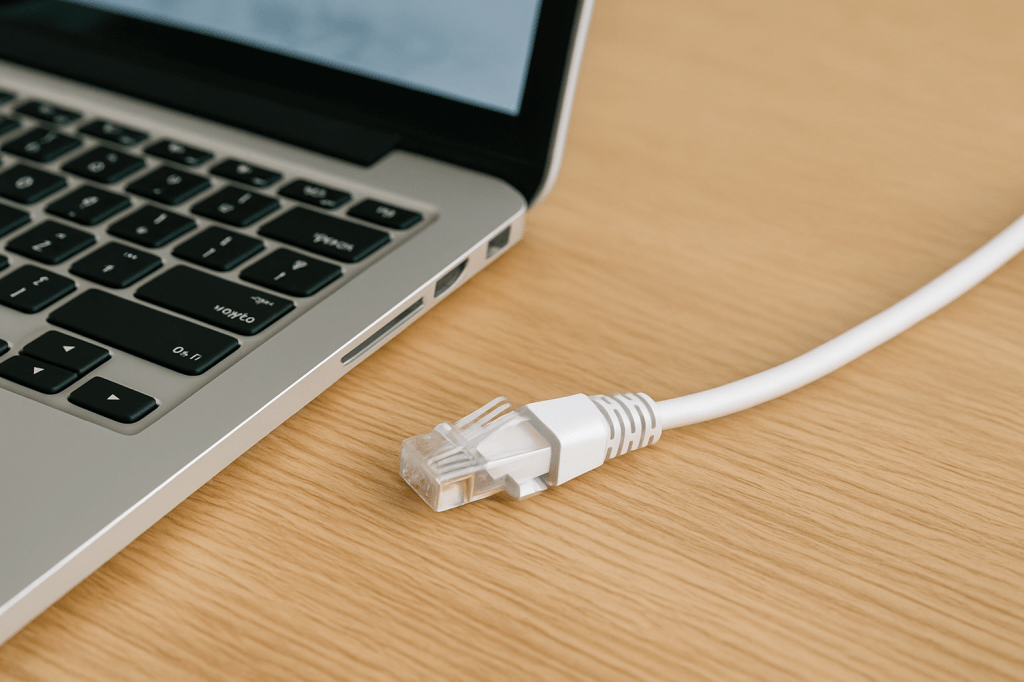
Wi-Fi is convenient, but a wired connection is faster and more stable.
How?
• Plug one end of the Ethernet cable into your router and the other into your laptop, PC, or TV.
• Use it for important tasks like video calls, gaming, or streaming.
3. Change the Wi-Fi Channel or Band
Your Wi-Fi uses something called “channels” to send signals. If too many neighbors are using the same one, it gets crowded and slow.
Tip: Log into your router settings and try switching to channels 1, 6, or 11. Also, if your router has both 2.4 GHz and 5 GHz, use 5 GHz for faster speed (if you’re close to the router) and 2.4 GHz for longer range.
4. Upgrade to a Better Router
If your router is more than 3–5 years old, it may be time for an upgrade.
New routers give you:
• Faster speed
• Better range
• Support for more devices
Look for routers that support Wi-Fi 6 or Wi-Fi 6E for better performance.
5. Learn About Wi-Fi Types (Wi-Fi 5, 6, 6E, 7)
Newer versions of Wi-Fi are faster and work better with multiple devices. If you have newer phones or laptops, a router with Wi-Fi 6 or Wi-Fi 7 can give you a smoother and faster internet experience.
6. Skip Wi-Fi Extenders (Try Mesh Instead)
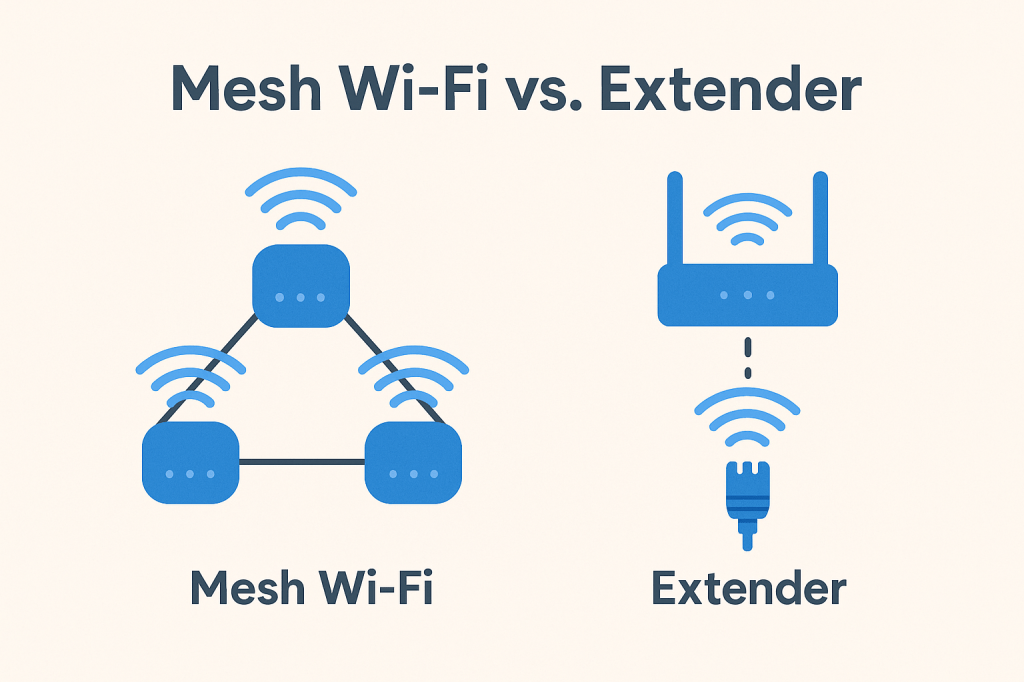
Wi-Fi extenders are small devices that increase your Wi-Fi signal, but they don’t always work well and can slow things down.
Better option: Use a mesh Wi-Fi system, which uses multiple routers placed around your home for better coverage.
7. Use a Powerline Adapter
Don’t want to run long Ethernet cables through the house?
Try this: A powerline adapter sends internet through your home’s electric wires. Just plug one device near your router and the other in any room—you’ll have internet there without running cables.
8. Protect Your Wi-Fi With a Password
If your Wi-Fi is open (no password), neighbors or strangers might be using it—and slowing it down!
Make sure your Wi-Fi is:
• Password protected
• Using WPA2 or WPA3 security settings
• Set with a strong password (not “123456” or “password”!)
9. Disconnect Devices You Don’t Use
Too many connected devices can slow things down.
What you can do:
• Unplug old smart devices you don’t use.
• Use Ethernet for devices that need strong internet.
• Log in to your router and check what devices are connected—remove anything suspicious.
10. Check Your Computer
Sometimes your laptop or PC is the problem, not your Wi-Fi.
Look for:
• Apps running in the background (like auto-updates)
• Heavy software that uses internet without telling you
Use Task Manager (Windows) or Activity Monitor (Mac) to see what’s using your internet.
11. Restart Your Router (If Needed)
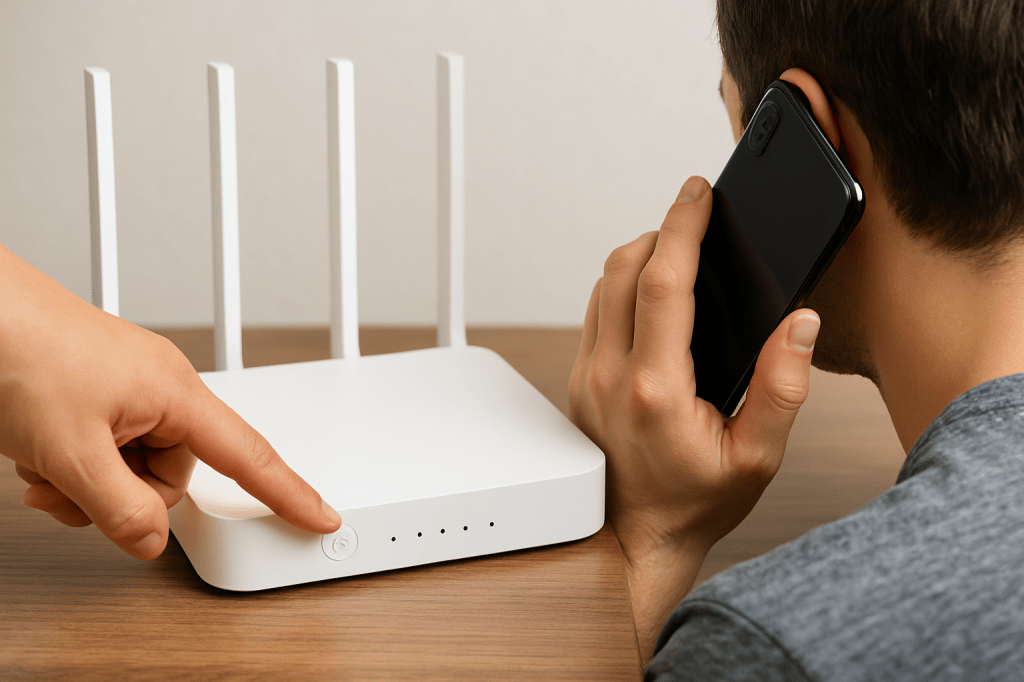
You might have heard, “Just restart your router!”
Truth: You only need to restart it if your internet becomes slow or stops working. Restarting once in a while can help, especially if you use 2.4 GHz Wi-Fi.
12. Call Your Internet Provider
Tried everything and still having problems?
Call your ISP (Internet Service Provider). They can:
• Check for problems on their end
• Upgrade your internet plan if needed
• Send a technician to fix the issue
Final Thoughts
You don’t need to be a tech expert to make your internet faster. Just try these simple steps:
• Place your router in a better spot
• Use a wired connection for important devices
• Upgrade your router if it’s old
• Protect your network and reduce unwanted devices
With these easy tips, you’ll enjoy smoother video calls, faster streaming, and a much better online experience!

If you found this article valuable, please don’t forget to Like and Subscribe to my blog for more expert insights and updates.

 THE MIND UPGRADE
Leave a comment